


Key facts.
- PALADIN (arXiv:2509.25238) named "inconsistent outputs" as its own failure category, separate from hard errors. Tool confirms success, downstream state reflects failure (PALADIN, arXiv:2509.25238).
- tau2-bench (arXiv:2506.07982) used a dual-control environment where agent and user have separate tool states; this design explicitly exposed cases where one side's tool reports success while the joint business outcome remains incomplete.
- Payment industry post-mortems show this again and again: authorization returns 200, settlement fails async. Standard tool monitoring doesn't detect it until reconciliation runs hours later.
- Enterprise workflow tools including ticketing systems, approval queues, and notification platforms commonly decouple API response from actual workflow state, making HTTP success an unreliable proxy for business outcome.
- MTTD for a success-state mismatch runs substantially longer than for a hard failure, because no error code fires. No alert. No trigger. Someone has to notice eventually.
Why this failure class is different
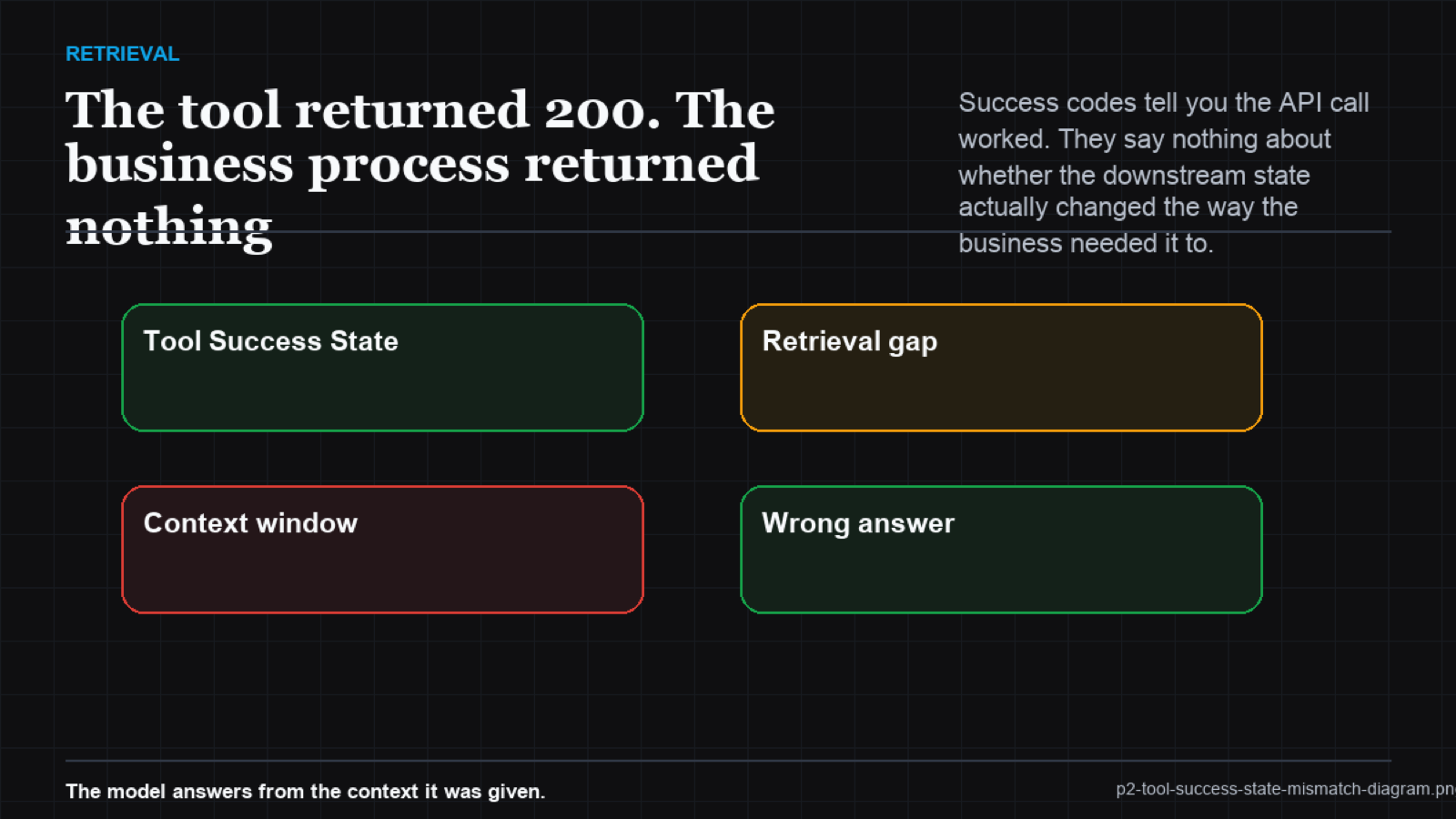
Standard error handling watches for 4xx, 5xx, exceptions, explicit error messages. Success-state mismatches produce none of those signals. The API contract is fulfilled. The transport succeeded. The business outcome didn't. The gap is between what the API was asked to do (accept the request) and what the business needed to happen (complete the transaction end-to-end).
this is particularly acute in asynchronous systems. A workflow API that accepts a task request and returns 200 has told the agent "I accepted this." It hasn't told the agent "I completed this." If the workflow subsequently fails in the background - due to a downstream service error, a validation rule, or a queue overflow - the agent has no way to know unless it polls the workflow state explicitly. Most agents don't.
The state verification pattern
The teams that handle this consistently add a state verification step after any tool call that initiates a process rather than returning a terminal result. The pattern is: call the tool, receive the 200 confirmation, wait for the appropriate completion window, then query the business state to confirm the outcome matches the intent. For synchronous tools that update records, the verification queries the record. For asynchronous tools that initiate workflows, the verification polls the workflow status. For payment tools, the verification checks the settlement state.
This adds latency. It also prevents the class of failure where an agent reports success to a customer on the basis of a tool confirmation that didn't reflect the actual outcome. The latency cost of verification is lower than the remediation cost of a customer complaint, a financial reconciliation error, or a compliance finding.
Success-state mismatch by integration type
| Integration type | API success signal | Actual business state | Verification method |
|---|---|---|---|
| Payment processing | Authorization 200 | Settlement pending or failed | Poll settlement status |
| Workflow submission | Task accepted 200 | Task queued, not completed | Poll workflow status |
| Record update | Update accepted 200 | Validation rejected downstream | Re-query the record |
| Notification send | Queued 200 | Delivery failed or bounced | Check delivery receipt |
PALADIN named it: the tool returns 200 while settlement sits pending, and a better model trusts the 200 too. (arXiv:2509.25238)
VibeModel's Pattern Intelligence Layer identifies which tool calls in your specific integration stack have historically shown success-state mismatches. By correlating HTTP 200 responses with subsequent business outcome signals - settlement records, workflow completions, delivery receipts - it learns which "successes" require downstream verification before the agent can safely move on. That pattern, invisible to standard monitoring, is exactly what the pattern layer was built to surface.
Frequently asked questions
How do I know which of my tool calls have success-state mismatch risk?
Look for tools that initiate asynchronous processes, interact with systems that have their own validation layers, or interact with payment or compliance systems where authorization and settlement are separate steps. Any tool where "accepted" and "completed" are different concepts is a candidate.
What polling interval is appropriate for state verification?
It depends on the downstream system's typical processing time. For payment settlement, polling after 5-30 seconds covers most cases. For workflow systems, the SLA for the workflow task is the appropriate window. The key is having an explicit timeout and escalation path if the state doesn't resolve.
Can I avoid polling by using webhooks instead?
Yes, for systems that support them. A webhook-driven architecture where the downstream system notifies the agent on completion is cleaner than polling. But it requires the agent to have a listener endpoint, introduces its own failure modes (webhook delivery failures), and isn't available for all tool integrations.